Printing on Heavy Card: Why GSM Is Only Part of the Story
HobbyPrint® is often asked to recommend a printer capable of handling 300gsm paper or card. Unfortunately, choosing the right printer is not as simple as matching the card’s gsm rating to the printer specification.
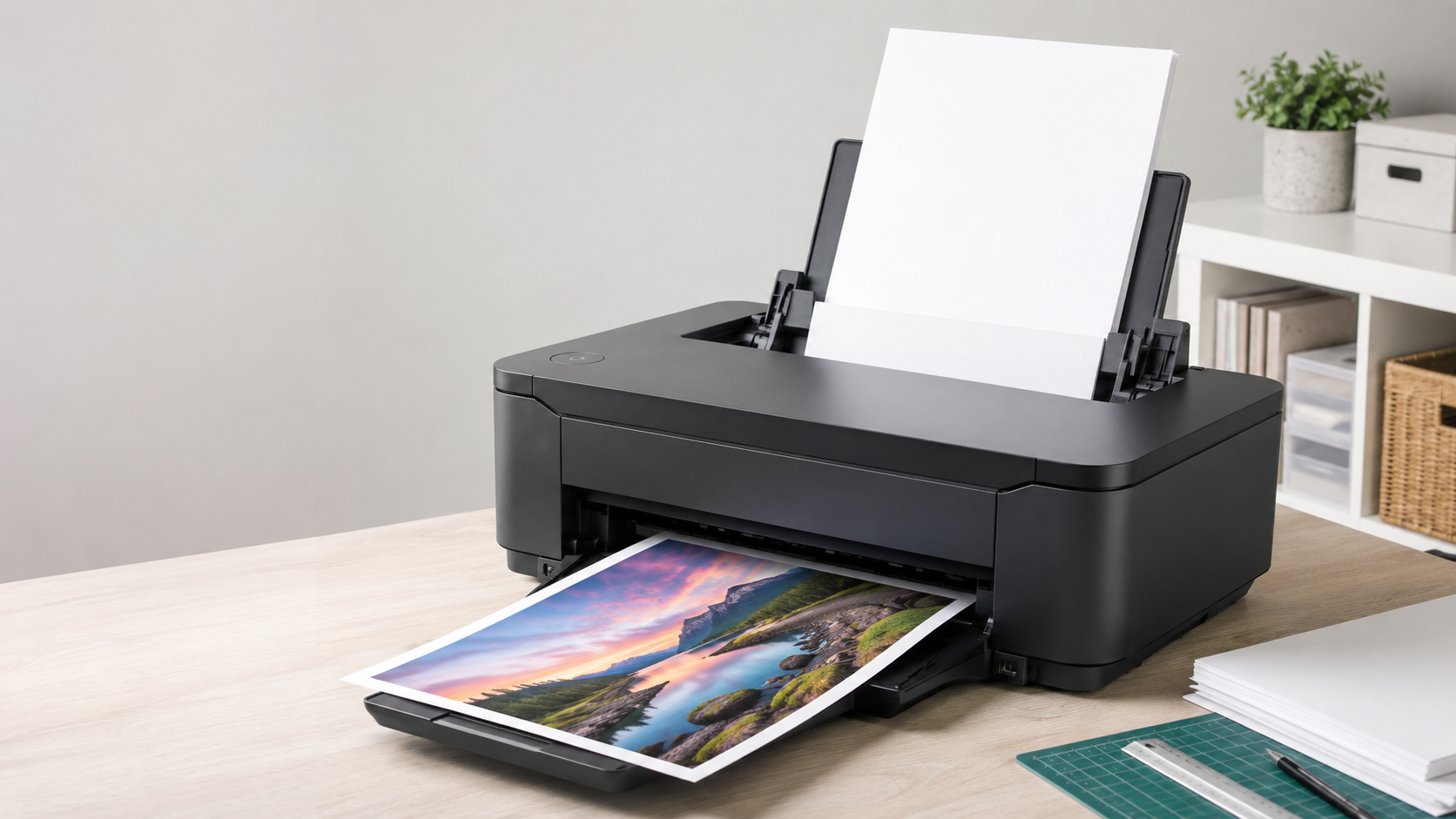
For heavyweight papers and cardstock, we would always recommend a printer with a rear paper feed. Ideally, it should also have a dedicated specialist-media or straight-through feed slot. However, the printer’s feed system is only part of the answer.
Two papers or cards with exactly the same gsm rating can behave very differently when fed through the same printer.
What Does GSM Actually Tell You?
GSM means grams per square metre. It measures the weight of the paper or card, but it does not tell you everything about how that material will behave inside a printer.
GSM does not directly describe:
- The thickness of the sheet
- Its rigidity or flexibility
- Its surface coating
- Its grain direction
- How easily it bends around feed rollers
A printer specification stating that it accepts media up to 300gsm does not necessarily mean that it will successfully feed every type of 300gsm card.
Why Heavyweight Photo Paper Can Feed More Easily
The heavyweight photo papers of up to 330gsm supplied by HobbyPrint® are manufactured using carefully selected paper stock.
Although these papers feel substantial, they retain enough flexibility to bend around the printer’s rollers and follow its paper path. This controlled flexibility can make a heavyweight photo paper easier to feed than a more rigid craft card of the same weight.
Why Craft Card Can Cause Problems
Many cardstocks intended for craft projects are deliberately manufactured to be rigid. This stiffness is useful when producing greetings cards, displays and other projects that need to stand upright without flexing or bending.
Unfortunately, the same rigidity can make the card unsuitable for printing.
Even when craft card falls within the printer’s stated gsm limit, it may resist the curves within the paper path. As a result, the printer may struggle to:
- Pick up the sheet
- Pull it around the feed rollers
- Keep it feeding straight
- Pass it through without slipping or jamming
- Avoid marking or damaging the surface
Card that is ideal for constructing a freestanding project may simply be too rigid to pass safely through a printer.
Why Grain Direction Matters
Paper and card are made from fibres that predominantly align in one direction. This is known as the grain direction.
- Long-grain card has fibres running parallel to the longer edge of the sheet.
- Short-grain card has fibres running parallel to the shorter edge.
Card generally bends and folds more easily with the grain. It is more resistant to bending across the grain and may be more likely to buckle or crack.
This becomes important when the printer needs to curve the sheet around its feed rollers. Card that flexes readily in the direction required by the paper path may feed successfully, while the same type of card cut or loaded in the opposite grain direction may resist the curve and jam.
Changing the orientation of the sheet can sometimes help. However, the alternative orientation must be supported by the printer and suitable for the required paper size and printed layout.
Why We Recommend a Rear Paper Feed
A rear paper feed normally provides heavyweight media with a shorter and gentler route through the printer than a front-loading paper cassette.
For customers who regularly intend to print on heavyweight paper or card, HobbyPrint® regards a rear paper feed as essential.
Where possible, look for a printer offering:
- A proper rear paper tray
- A dedicated single-sheet media slot
- A specialist or near-straight paper path
A dedicated media slot will generally pass the paper or card through the printer with considerably less bending. This can make it particularly useful for thicker or less flexible materials.
Remember that a rear tray and a specialist media slot are not necessarily the same thing. Check the printer specification carefully.
What Should You Check?
Before purchasing a printer or cardstock, consider the following:
- What is the printer’s maximum supported media weight?
- Does the manufacturer also specify a maximum media thickness?
- Does the printer have a rear paper tray?
- Is there a dedicated specialist-media or straight-through feed slot?
- How thick and rigid is the card?
- In which direction does the card bend most easily?
- Is its grain direction suitable for the printer’s paper path?
- Does the printer support the required sheet size and orientation?
- Does the manufacturer approve this type of media?
Whenever possible, test a sample before purchasing a large quantity of card. Never force rigid cardstock through a printer simply because its stated gsm appears to fall within the printer’s limit.
The Important Point
A 300gsm photo paper and a 300gsm craft card may weigh the same, but their thickness, construction, rigidity and grain direction can make them behave very differently inside a printer.
Card that is excellent for standing upright may be completely unsuitable for bending through a printer.
Choose your printer and your paper as a matched combination—never rely on the gsm figure alone.