Why Microsoft Word Is Not Always the Best Choice for Printing Images
Many customers create their designs in Microsoft Word because it is familiar, easy to use, and already installed on many computers. For letters, labels, notes, and general documents, Word is excellent.
However, when it comes to printing images, artwork, sublimation designs, edible prints, or photo-quality projects, Word is not always the best choice.
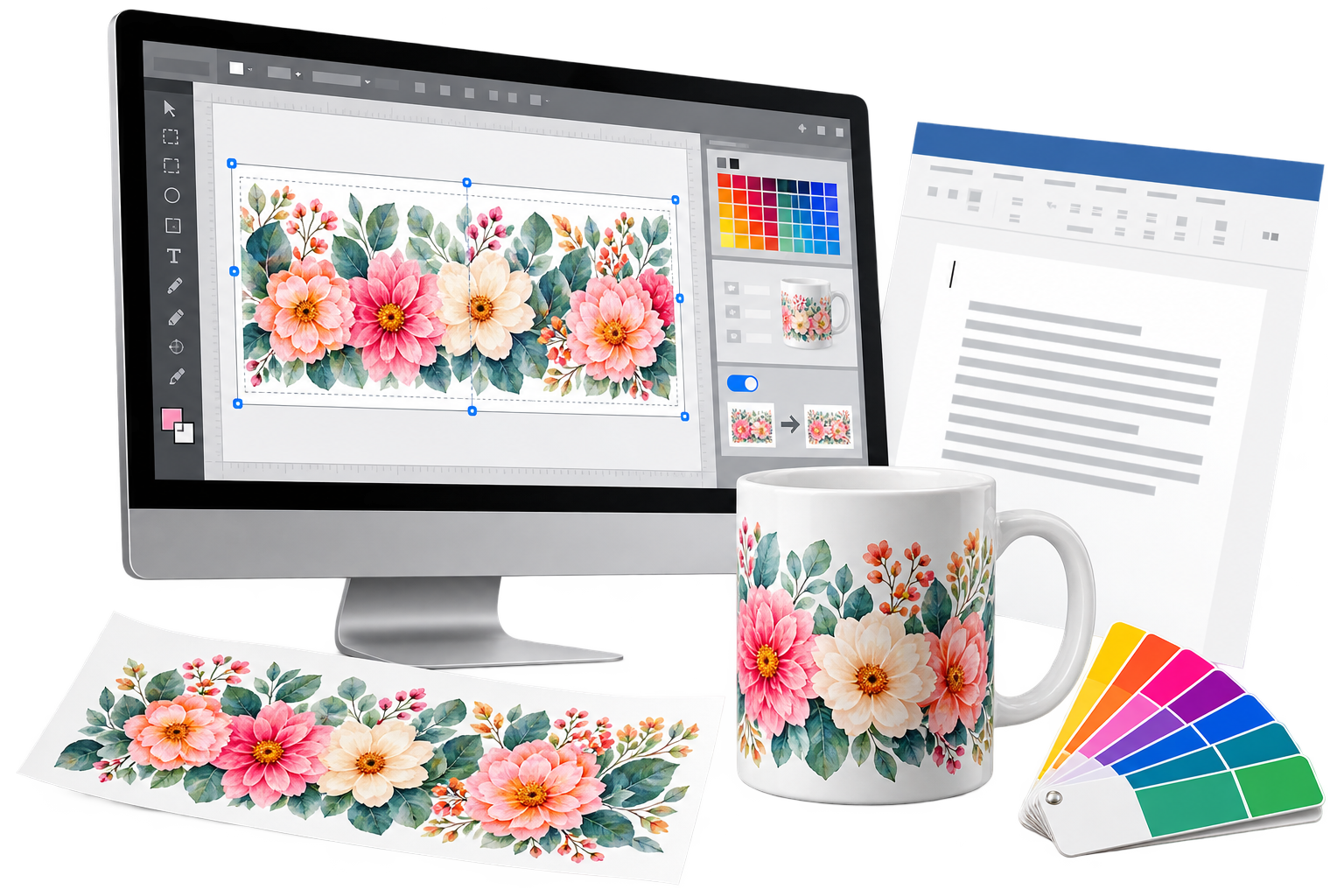
This is because Word is primarily a word processing program, not a graphics or photo editing program. It is designed for documents containing text, tables, simple layouts, and office printing. It was not created for accurate image editing, colour handling, or specialist printing.
Why Word Can Cause Problems
When an image is placed into Word, several things can happen that affect the final print:
- The image may be resized without the customer realising.
- The image may be compressed.
- The print size may not remain exact.
- Colour handling may be different from proper graphics software.
- The image may print darker, flatter, or less vibrant than expected.
- Margins and page scaling can interfere with the final output.
This does not mean Word is bad software. It simply means it is not the best tool for colour-critical or size-critical image printing.
For everyday documents, Word is fine. For specialist printing, there are better options.
Better Software Options for Image Printing
If you are printing photos, sublimation transfers, edible prints, craft images, waterslide decals, printable vinyl, or other image-based projects, it is worth using software that is designed for artwork and image handling.
Here are some good options.
Inkscape
Inkscape is a free vector graphics program. It is useful for creating shapes, text layouts, signs, decals, templates, and designs where accurate sizing is important.
It is especially helpful when you need to create artwork at a specific size, such as circles, labels, badges, outlines, or layout templates.
Inkscape is free and available for Windows, Mac, and Linux.
GIMP
GIMP is a free image editing program. It is more suitable for photo-style editing, image correction, cropping, resizing, and working with bitmap images such as JPG and PNG files.
If you are working with photographs or image-heavy designs, GIMP gives much more control than Word.
GIMP is also free and available for Windows, Mac, and Linux.
Canva
Canva is popular because it is easy to use and includes many ready-made design tools. It can be useful for creating simple designs, social media graphics, invitations, and printable artwork.
Canva has a free version, although some features, templates, and images require a paid subscription.
One thing to watch with Canva is the final download format and size. Always check that the design downloads at the correct size and quality before printing.
Affinity
Affinity Designer and Affinity Photo are professional-quality graphics programs. They are not normally free, but they are often available as a one-off purchase rather than a monthly subscription.
Affinity Designer is good for layouts, shapes, text, and vector artwork. Affinity Photo is better for photo editing and image correction.
For customers who want stronger graphics tools without ongoing subscription costs, Affinity can be a very good option.
Why Graphics Software Helps
Using proper graphics software gives you more control over:
- Image size
- Print size
- Resolution
- Colour settings
- Cropping
- Layout
- Mirroring for sublimation
- Export quality
- File format
This helps reduce unexpected results when printing.
For sublimation printing in particular, accurate sizing, correct mirroring, good image quality, and consistent print settings are very important.
Word Can Still Be Useful
Word can still be useful for simple layouts and basic projects. If you are printing a quick note, a simple sheet, or something where exact colour and size are not critical, Word may be perfectly acceptable.
The problem comes when customers expect Word to behave like a graphics program. It does not always do that.
If your image prints too dark, too dull, incorrectly sized, or different from expected, the software used to print the image should be one of the first things to check.
Our Advice
If you are printing specialist images, especially for sublimation, edible printing, photo printing, or craft projects, try using proper graphics or image editing software instead of Word.
Good starting options include:
| Software | Best For | Cost |
|---|---|---|
| Inkscape | Shapes, templates, text layouts, accurate sizing | Free |
| GIMP | Photo editing, cropping, image adjustment | Free |
| Canva | Simple design layouts and quick artwork | Free version available |
| Affinity Designer | Vector design, layouts, print artwork | Paid, usually one-off |
| Affinity Photo | Photo editing and image correction | Paid, usually one-off |
Don’t Always Blame The Printer
If your print does not look right, do not automatically blame the printer, ink, paper, or colour profile. Sometimes the issue starts with the software used to create or print the image.
Microsoft Word is excellent for documents, but for image printing, artwork, sublimation, and colour-sensitive projects, dedicated graphics software will usually give better control and more predictable results.
Final Thought: Why Word Is Not Ideal for Sublimation Printing
Microsoft Word will normally rely on the operating system and printer driver to manage colour. It does not give the same clear ICC profile control as dedicated graphics software.
In theory, if Word and a graphics program both send the same sRGB image to the same printer driver, using the same printer settings, the print should be similar. In practice, Word can introduce extra variables. Images may be resized, compressed, scaled to fit the page, affected by margins, or printed using driver settings that are not obvious to the user.
This makes Word less predictable for sublimation printing, especially where colour, image size, mirroring and print density matter.
If using Word, treat it as a basic layout tool, not a colour-managed graphics program. It may be acceptable for simple jobs, but it is not the best choice for colour-sensitive sublimation work.
For more predictable sublimation results, create and print from proper graphics software where image size, resolution, mirroring, print settings and colour handling can be controlled more accurately.