Sublimation Ink: Check the Compatibility Claims Before You Buy
At HobbyPrint®, we are seeing marketplace listings advertising sublimation ink as suitable for Epson, Ricoh and Brother printers, while also claiming compatibility with HP and Canon printers.
These claims need careful checking because the printers can use fundamentally different methods of ejecting ink.
Two different printhead technologies
Piezoelectric printheads use an electrically controlled element that changes shape, creating pressure to push ink through the nozzles. Heat is not required to eject the droplets. Epson, Ricoh and Brother use piezoelectric technology in their inkjet ranges, although Micro Piezo is specifically Epson’s technology name.
Thermal printheads, used in ordinary HP and Canon desktop inkjet printers, use a tiny heater to create a vapour bubble within the ink. The expanding bubble pushes a liquid droplet through the nozzle. The ink must be formulated to withstand this process and eject reliably.
Sublimation inks are not automatically interchangeable
An ink formulated for a particular piezoelectric printhead should not be assumed to work effectively or reliably in a thermal printhead. Compatibility depends on the complete ink formulation and the requirements of the printing system.
Even printers using the same general printhead technology do not necessarily use interchangeable inks. Established sublimation ink suppliers specify the supported printer models or printheads for each formulation.
There is an important exception to blanket statements about thermal printing: HP’s specialist Stitch sublimation printers use thermal inkjet technology. However, this purpose-built system does not establish that Epson-compatible sublimation ink is suitable for an ordinary HP or Canon desktop printer.
Could the wrong ink damage your printer?
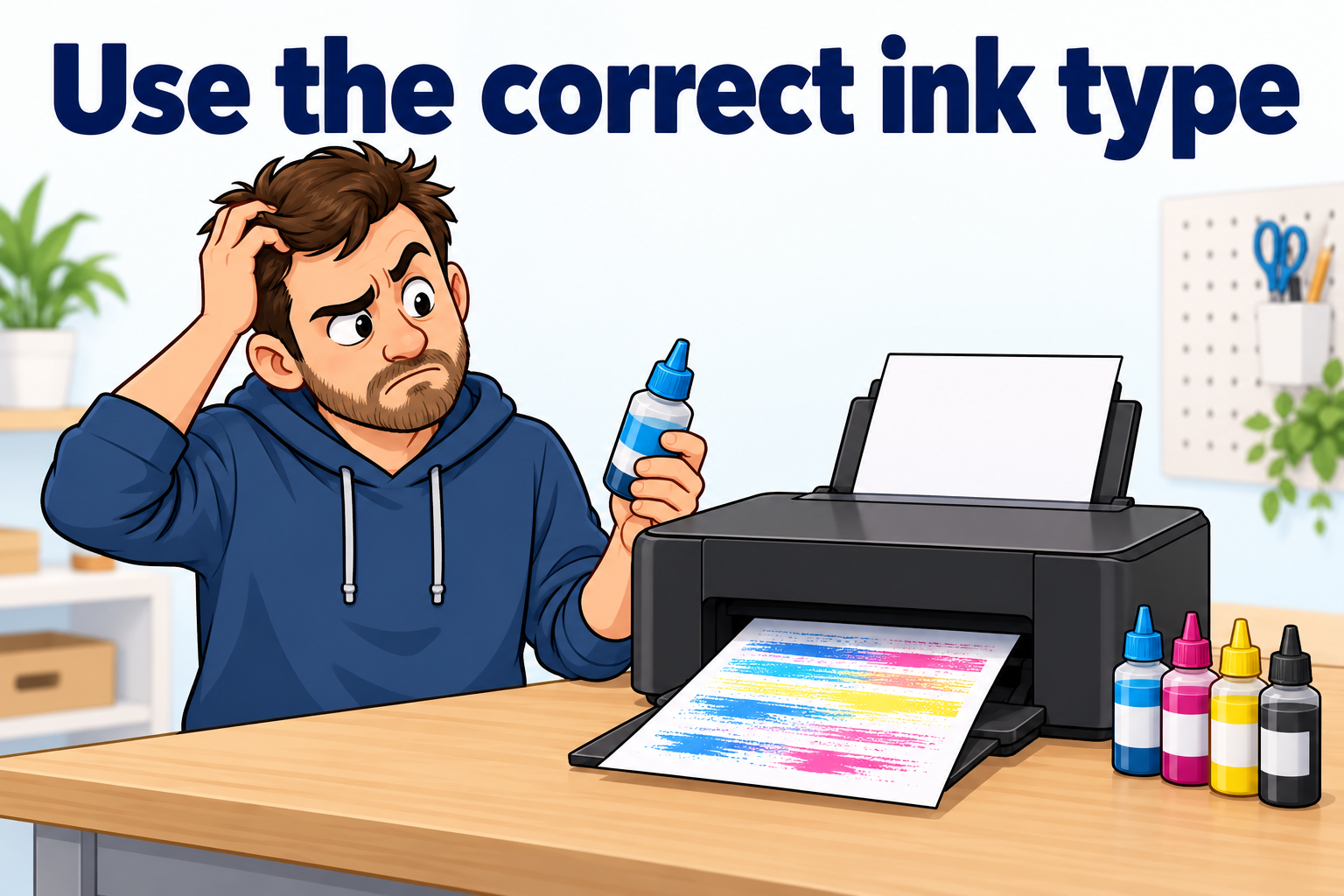
Yes—poor print quality is not the only risk. Using an incompatible formulation may cause unreliable printing, nozzle blockages, deposits on the heating elements and permanent printhead damage.
Deposits on thermal heating elements are known as kogation. They interfere with heat transfer and droplet ejection. Suitable ink chemistry also helps protect the heating elements and preserve printhead life.
Damage is not inevitable in every case, but problems may develop over time. An initial successful print does not prove long-term compatibility.
Our advice
Before buying sublimation ink, check that the ink manufacturer explicitly supports your exact printer model. If a listing claims compatibility across several brands and different printhead technologies, ask for the technical documentation behind that claim.
“Sublimation ink” describes the ink’s intended application. It is not a guarantee of compatibility with every inkjet printer.